Update April 19, 2020: I made a longer, higher resolution version which you can find here.
Here's an animation showing a year of global cloud cover (from July 2017 to July 2018) :
The clouds are sourced from the free daily download at xplanet. I run a Google apps script that saves a copy of the image to Google Drive every day (basically the same as this script to save Nest cam images). The hard part was waiting a year to get enough frames. Xplanet combines GEOS, METEOSAT and GMS satellite imagery with some reflection near the poles. Although I didn't need to for this project note that you can subscribe to higher quality / more frequent downloads.
As well as the clouds you can also see the terminator between day and night change shape over the course of the year. This video starts and ends with the Summer equinox when days are longest in the Northern hemisphere.
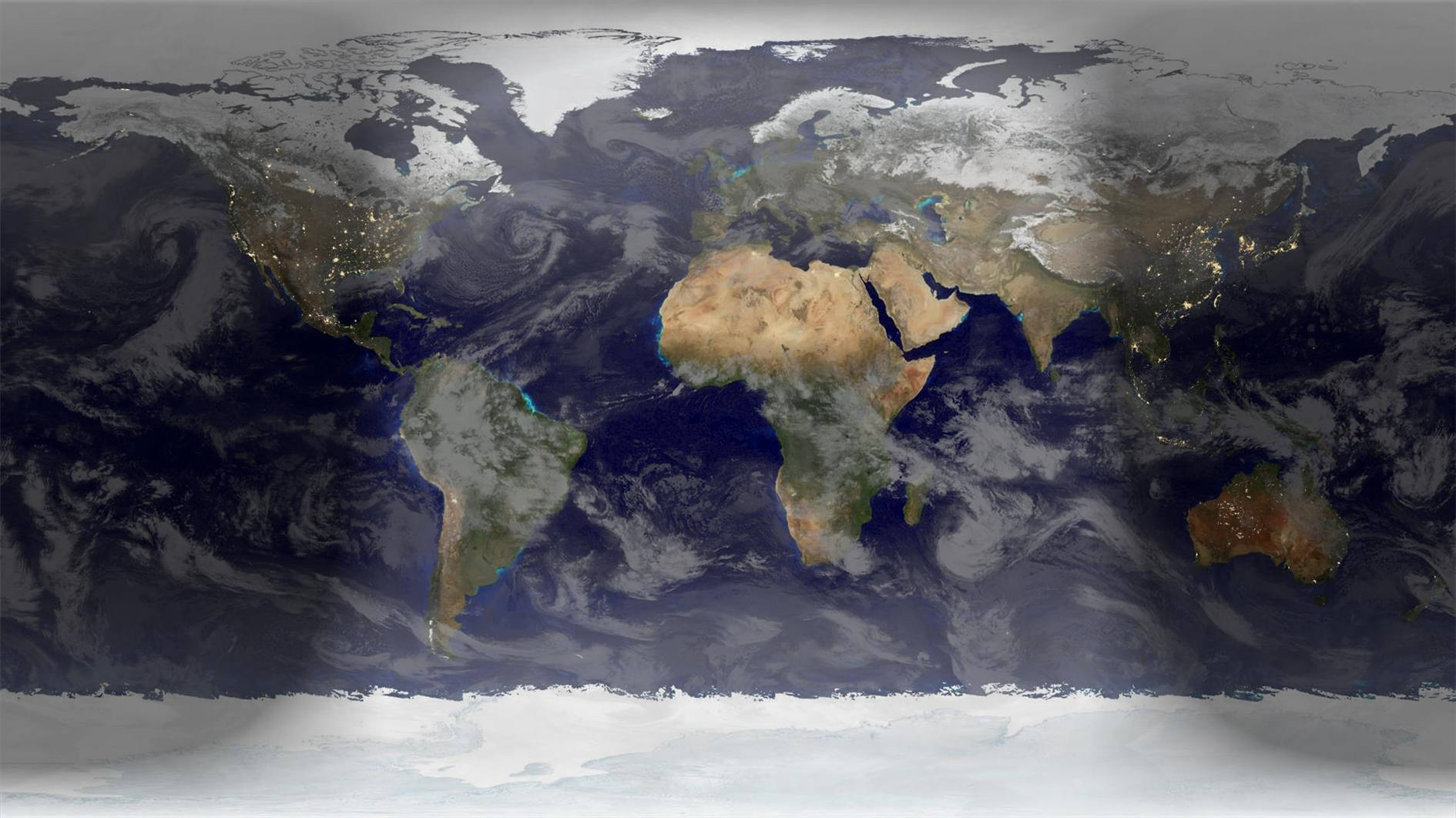
Where it's nighttime the image is based on NASA's Black Marble. The daytime is based on Blue Marble, but blended with a different older image which has better ocean colors and interpolated daily between twelve monthly Blue Marble satellite images. The result of this is that you can see snow and ice coverage changing over the course of the year. If you look closely you'll also notice vegetation growing and dying back with the seasons.
Rendered in a slightly modified build of Catfood Earth (the main release doesn't know how to access my private cache of xplanet cloud images). As well as combining day, night and cloud images Catfood Earth can also show you earthquakes, volcanoes, US weather radar, political borders, places and time zones. It has been enlivening Windows desktop wallpaper for fifteen years now (as shareware back when that was a thing, these days it's a free download for Windows and Android).
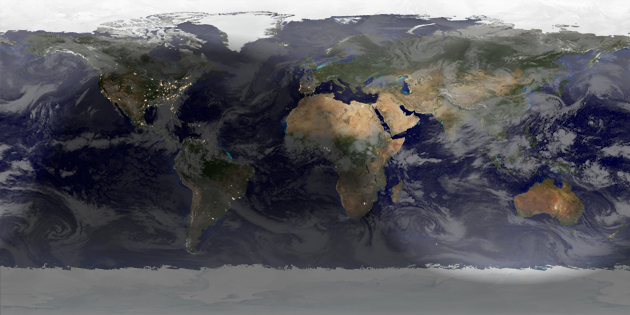
Summer starts now in the Northern Hemisphere and the Sun is at its highest point in the sky. For those in the Southern Hemisphere I'm sorry to report that the opposite is true. Rendered in Catfood Earth.
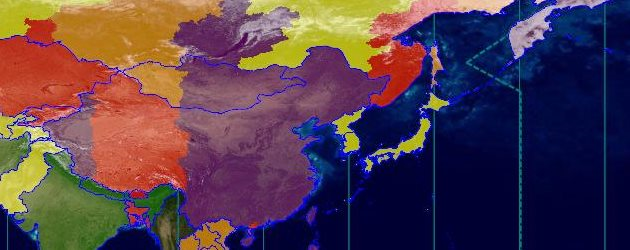
Catfood Earth 3.43 updates the timezone database to 2018e. The big change is that North Korea is moving back to UTC +09 today (May 5, 2018). The time zones layer in Catfood Earth shows the current time in each zone at the top of your screen and color codes each country and region. You can also display a list of specific places (either an included list of major cities or your own custom locations).
Catfood Earth is dynamic desktop wallpaper for Windows that includes day and night time satellite imagery, the terminator between daytime and nighttime, global cloud cover, time zones, political borders, places, earthquakes, volcanoes and weather radar. You can choose which layers to display an how often the wallpaper updates.
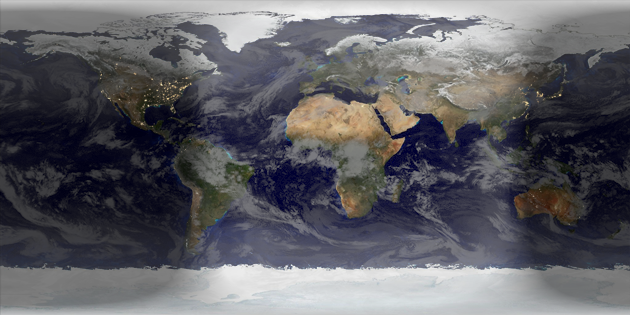
Autumn/Fall starts now in the Northern Hemisphere. Springtime for the hemispherically challenged. Rendered in Catfood Earth (Windows, Android live wallpaper).