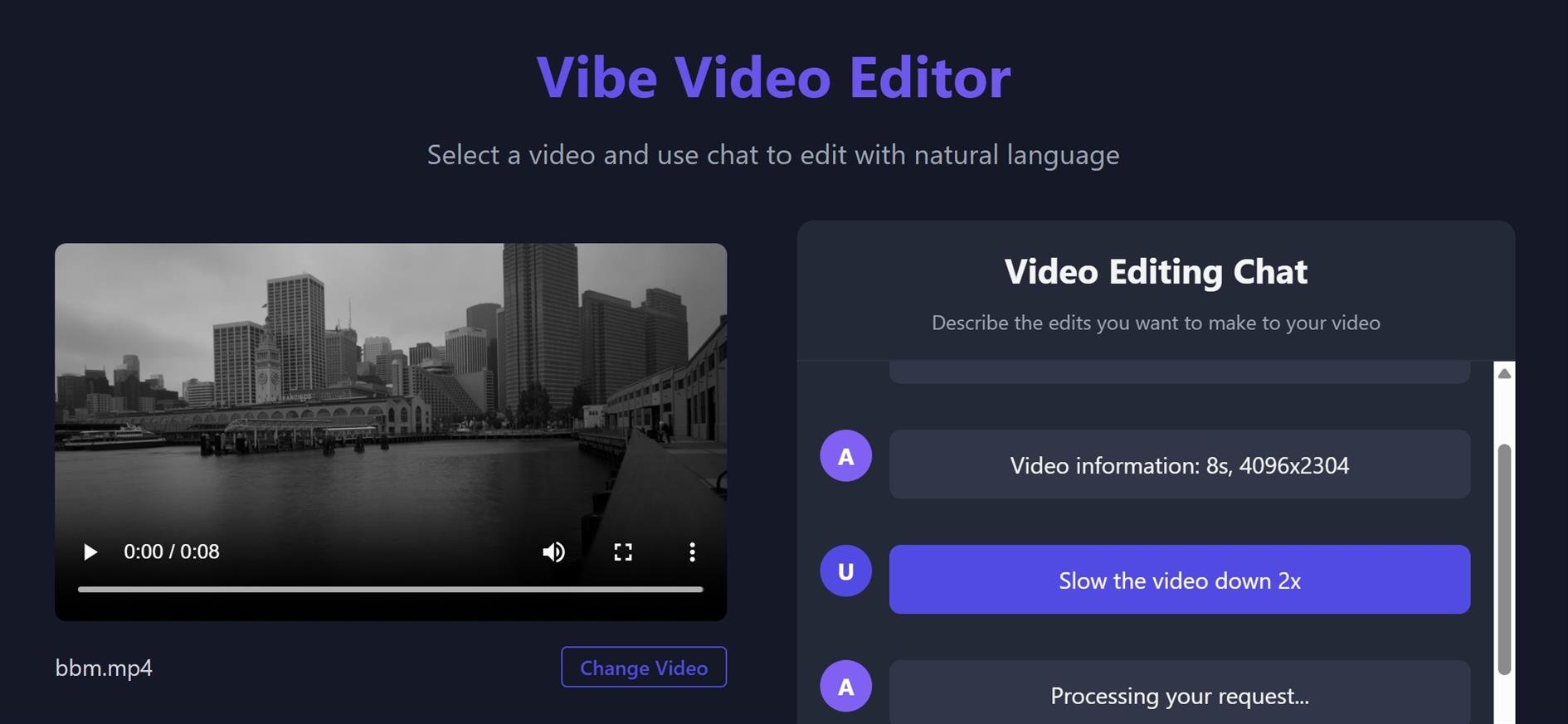
I set myself the goal this morning of shipping a vibe coded web application in a day. Welcome to the world, vibevideo.xyz, and apologies if you own Adobe stock.
Vibe Video is a chat based video editor. There are two things that are pretty cool about it. First, it writes its own code. When you ask it to make an edit it uses GPT 4.1 to write a function for the edit and then runs that function. That's the Vibe Video part. It's a single page JavaScript application but the core functionality is hallucinated at runtime.
Second, it runs locally. It's based on ffmpeg.wasm, which I knew nothing about before this morning. The site is a Vite/Svelte SPA deployed to a Cloudflare site with no backend except the OpenAI API. Your videos never leave your computer, and all the editing happens in the browser thanks to WebAssembly. I hadn't touched Vite or Svelte before today either.
Both of those things are crazy. There are some limitations - as the great saying goes, "If you are not embarrassed by the first version of your product, you’ve launched too late.". Right now you need to bring your own OpenAI API Key. Maybe I'll add some free usage when I get a grip on how much it costs to run. It's fast when you don't need to reencode - so trimming the video is quick. but changing resolution or speed will take some time. And there is a 2GB limit on file sizes, a limitation of WebAssembly. My hope is to iterate and improve, so kick the tires and let me know what else it needs.
To build this I used Visual Studio Code with GitHub Copilot in agent mode using Claude 3.7. The only code that's hand crafted is changing GPT 4 Turbo to GPT 4.1 (Claude refused to admit that 4.1 exists) and repeatedly removing a call to a non-existent file size property. While I didn't have to write any significant code I did need to coax the LLM - an experience halfway between being a product manager and pair programming with a buddy who is a much faster typist and won't allow you to touch the keyboard. There was a fair bit of troubleshooting involved as well, some with the environment setup and some with runtime errors. Having the experience to help guide Copilot through these helped a lot.
I have been experimenting with a lot of different tools over the past few weeks. Cursor and Windsurf both worked well for me, Replit was pretty good as well. Cline impressed me with debugging an app after building it. V0 and Lovable struggled with my test use case. I used Copilot for this personal experiment as I already have a license and wanted to see how far it would go. All of these tools are going to continue to improve (and/or merge). The current state of the art is a big deal already. A few weeks ago the statement that a good chunk of Y Combinator startups were writing 95%+ of their code with AI sounded like bullshit. Now I think they might be sandbagging.
One bad smell is that the experience gets worse as you add code. The start of the project was unbelievably easy, but as features were added Copilot started to bog down. This is unsurprising as the more you load up the context window for an LLM the more it struggles with the details. Again, this will just improve over time as models and agentic implementations improve. Good architecture is also going to matter - and is no different here from freeing regular developers from needing to keep too much in their head at the same time.