Fixing dropped wireless connection for Linksys E4200
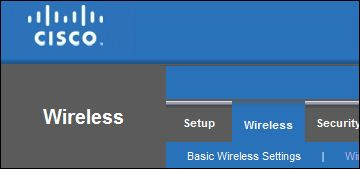
I've been going quietly mad trying to fix a constant dropped connection issue with our Linksys E4200 router. There's lots of advice around tweaking the MTUs, upgrading firmware and disabling UPnP (a good idea anyway) but none of this helped at all. The connection just continually dropped, eventually came back, dropped again, ad nauseam.
The fix was to change the 5GHz and 2.4GHz networks to use different network names (SSIDs). I then connected to the 2.4GHz flavor and the connection is now solid.
I guess the problem was that by sharing the SSID devices would keep switching between the networks whenever they got the chance to connect to the juicy 5GHz flavor. The 5GHz network is flakier (higher frequencies having less range) and so the constant dropouts.


Robert Ellison's blog, I Thought He Came With You, on the Fediverse via fed.brid.gy. Photography, time lapse, programming, politics, hikes and more.


Add Comment
All comments are moderated. Your email address is used to display a Gravatar and optionally for notification of new comments and to sign up for the newsletter.