Spoilers!
Books
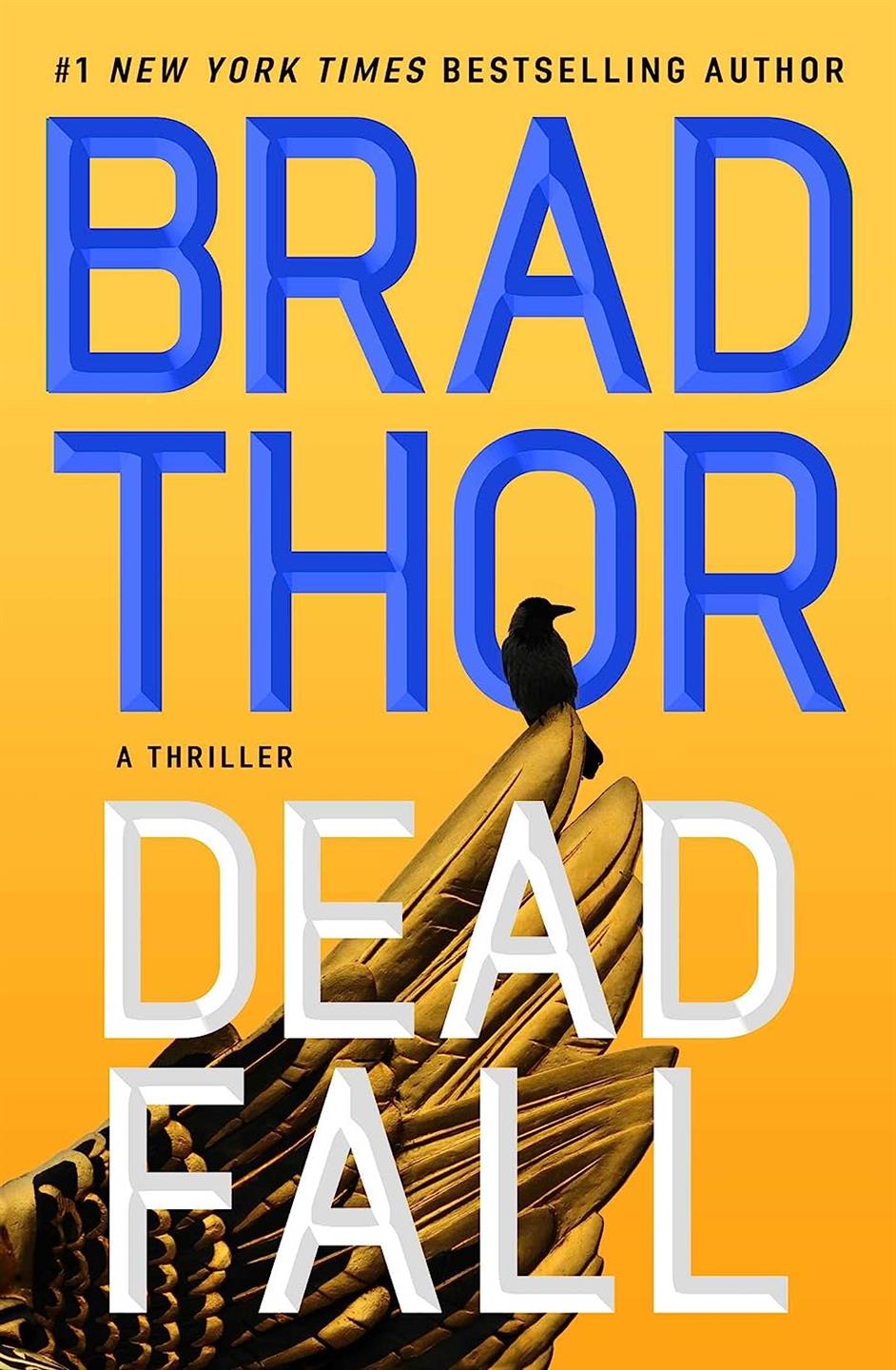
Dead Fall
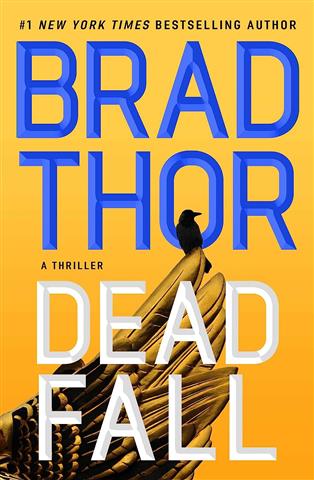
Scot Harvath has little trouble killing some Wagner mercenaries in Ukraine. Throw the man some setbacks once in a while! Feels a little too soon as well to use this war as a backdrop. I'm a sucker for a series though and I will keep reading them.
System Collapse
Murderbot is [redacted]. This is book 7 and the concept of the reluctant hero SecUnit is not getting old yet. Continued breath of SciFi fresh air.
Movie
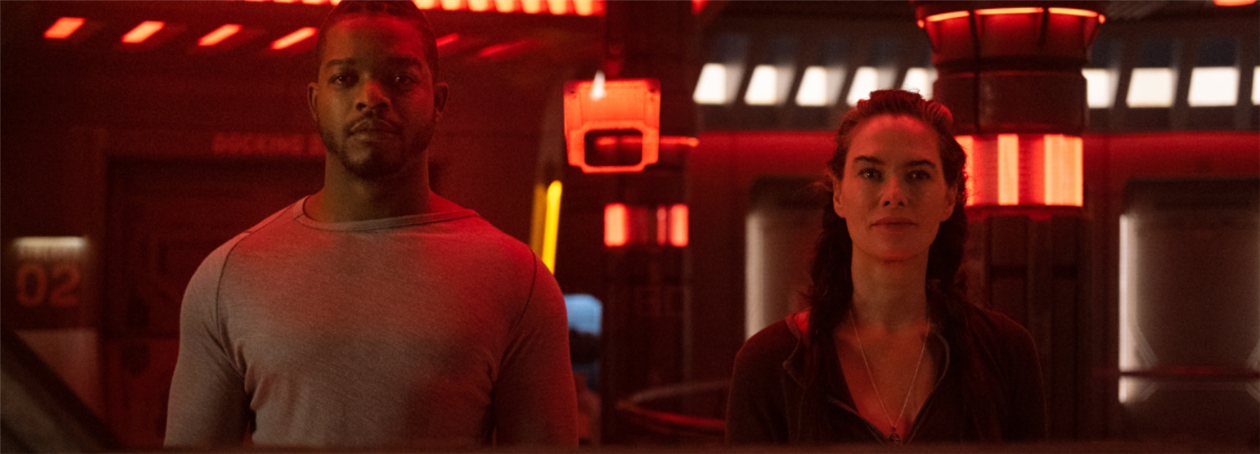
Expired

I can't believe it's not Blade Runner, but OK nonetheless.
Movies
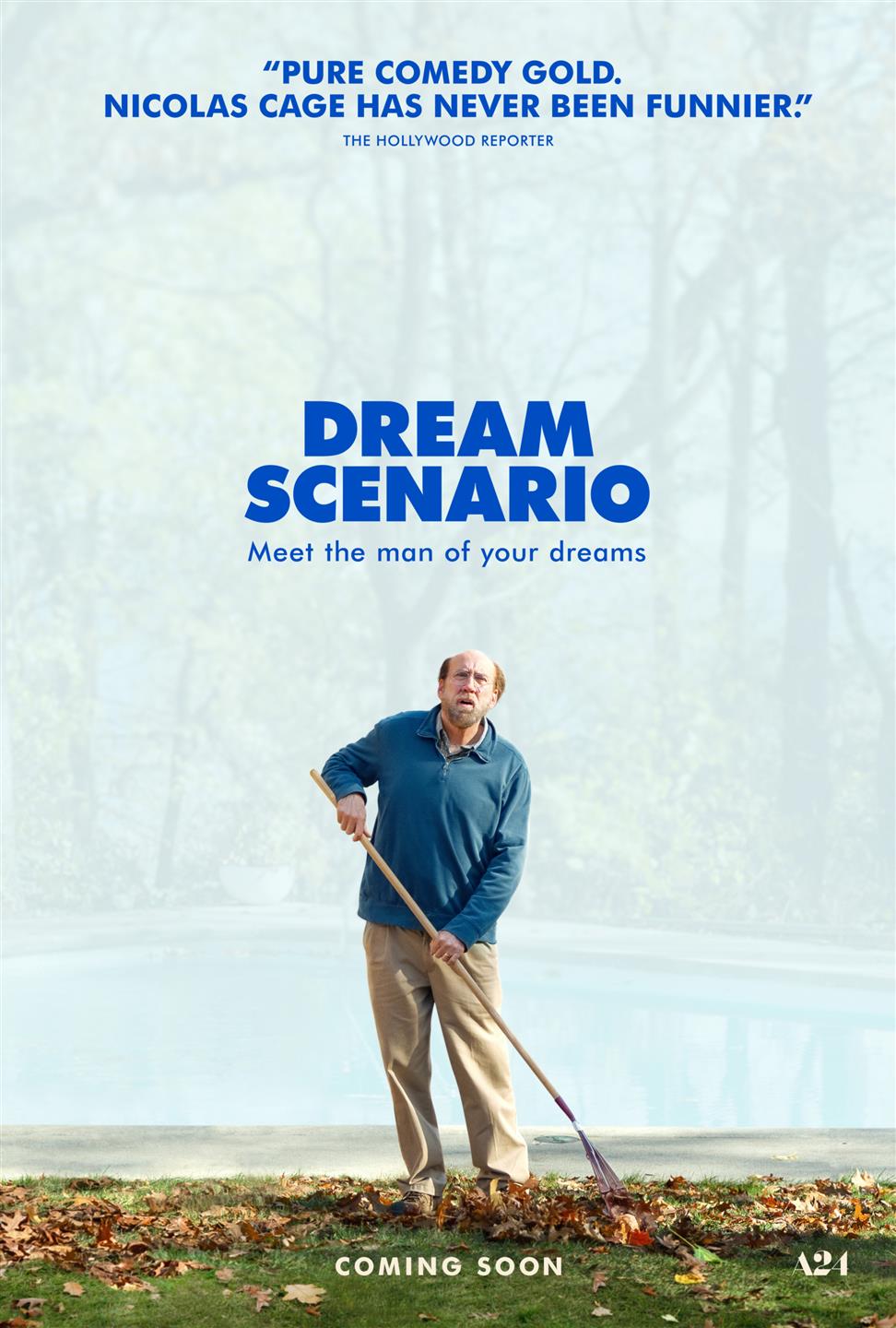
Dream Scenario
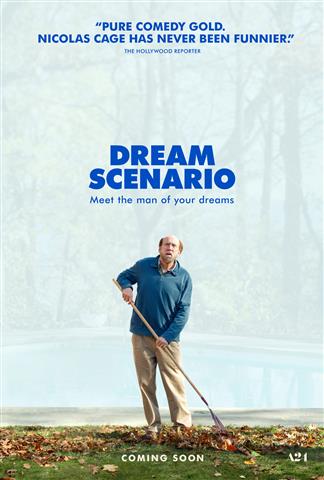
Everyone starts dreaming about Nicolas Cage. Michael Cera and his agency are very funny and it's an interesting concept, but it runs out of steam and limps to a dark conclusion.
ISS

This was OK. Nuclear war breaks out on Earth, and this leads to the US and Russian crew of the ISS being ordered to kill each other and take over the station. There is some rationale for this later but it doesn't make much sense. Also, they seem pretty confused about what's going on given the obvious nuclear war. Also, the ISS isn't high enough for the view they get of the obvious war. Also, the Russians seem to be nuking Bakersfield for some reason. It's like their objective is disrupting our plans for high speed rail as if we can't do that by ourselves. Ignoring all that, it's entertaining enough.
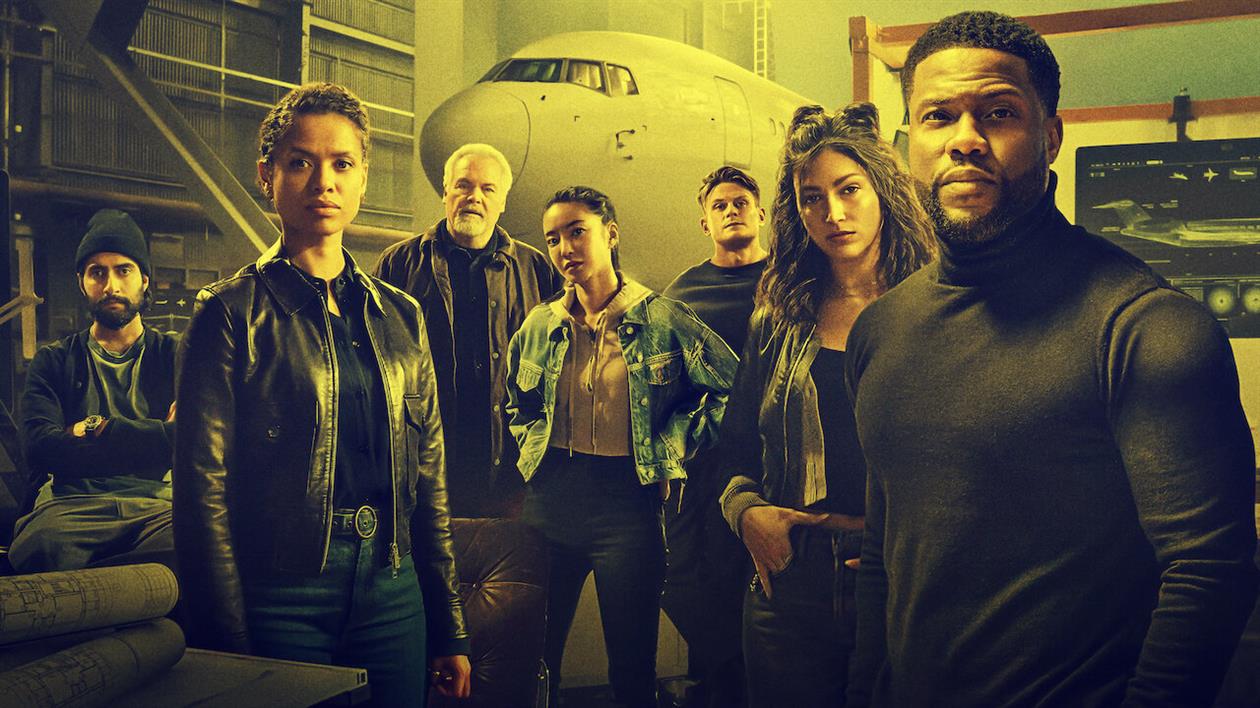
Lift
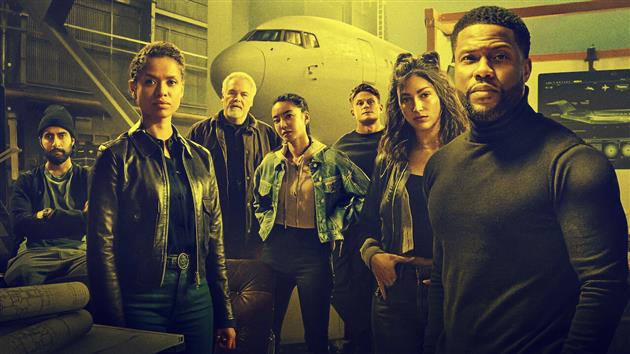
Heist on a plane. Not very good.
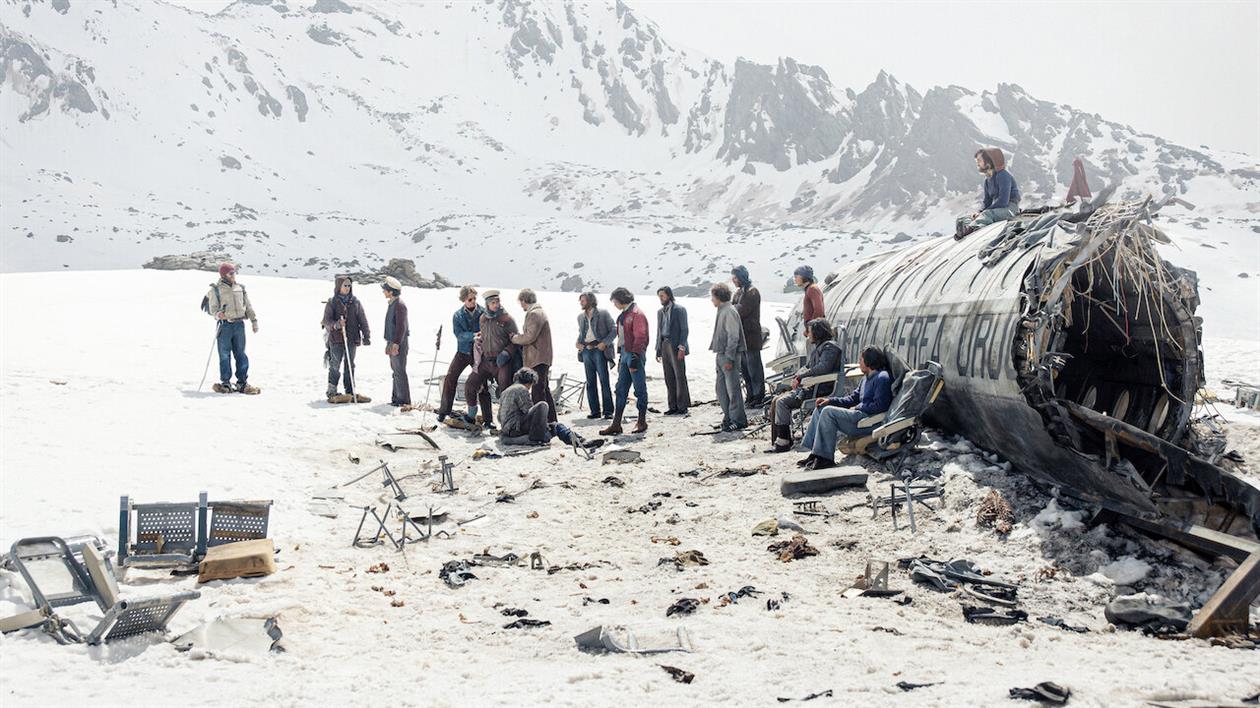
Society of the Snow
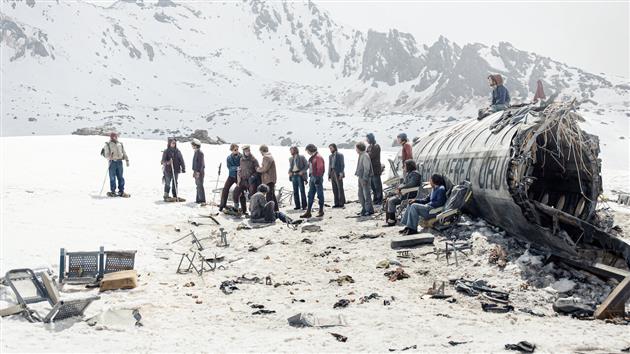
It's that Uruguayan rugby team who crashed in the Andes and then ate each other. Great film to watch on a plane, which I did, awkwardly.
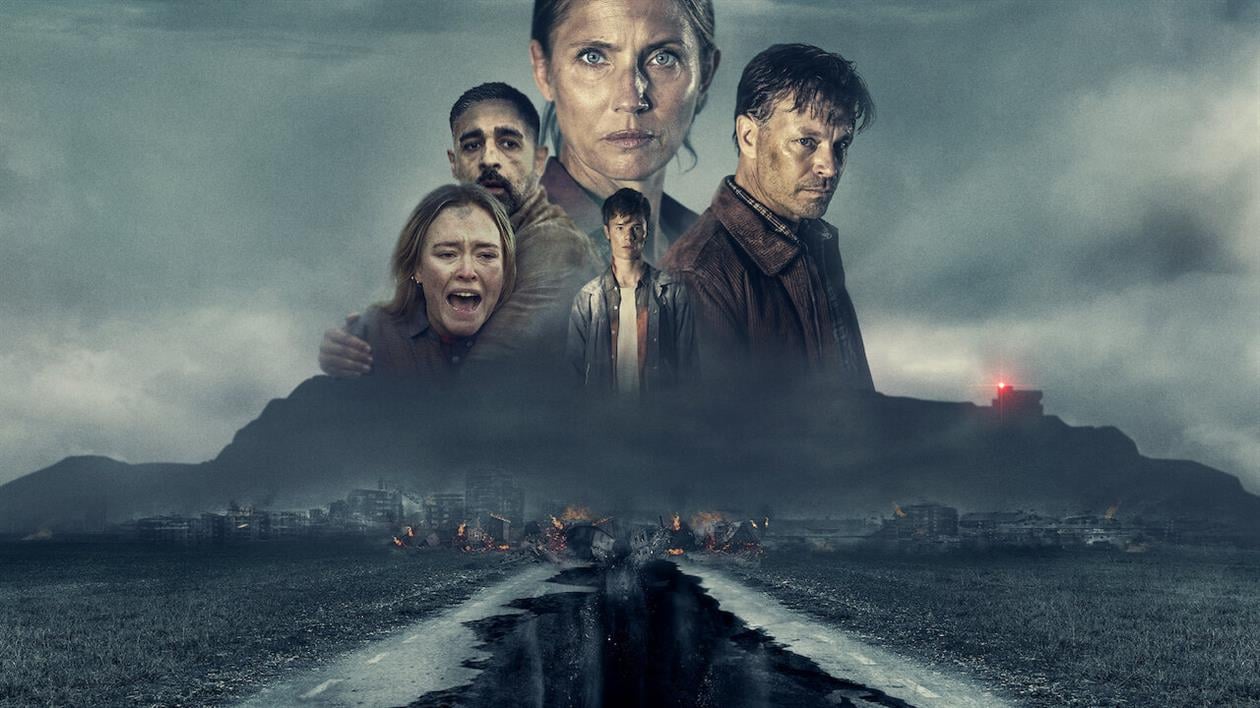
The Abyss
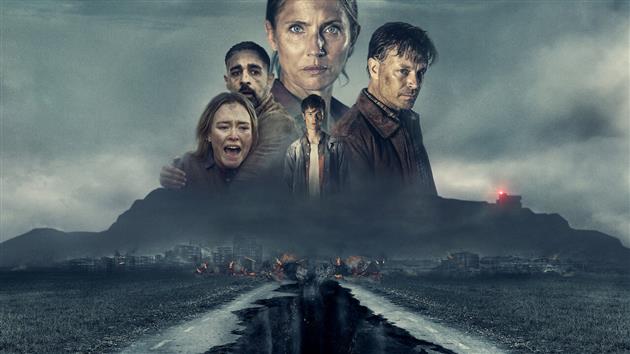
No, not that classic at the bottom of the ocean with early CGI living water. This abyss is a Swedish disaster movie where the disaster is the budget as most of the action is not falling into a hole inside a nondescript building. I think. I don't remember much.
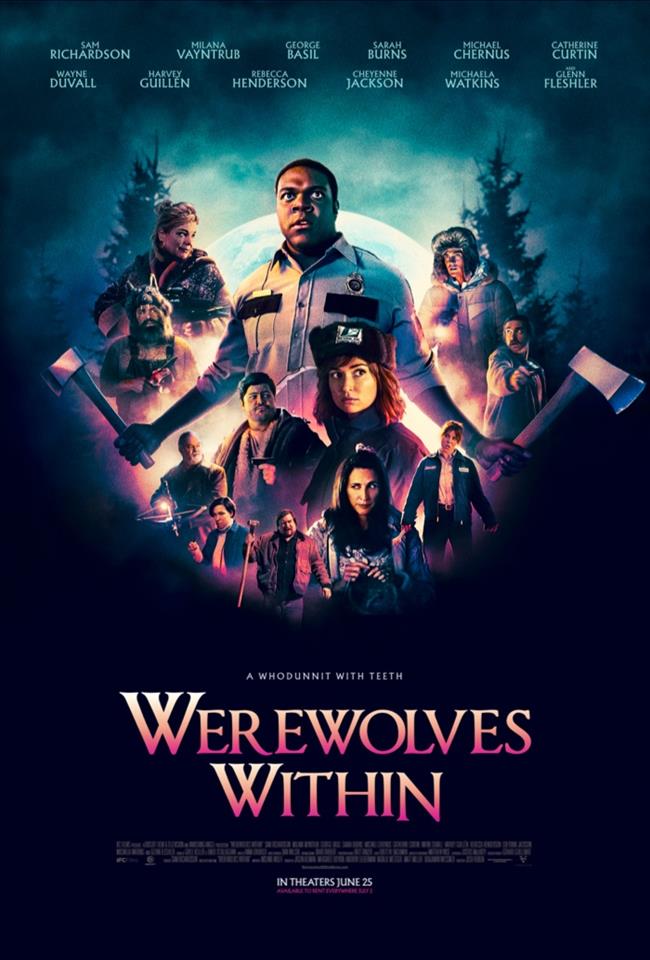
Werewolves Within
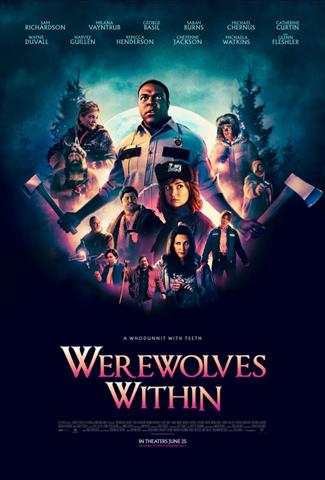
This is exactly what you'd expect, it's funny and perfectly executed. Thank you.
TV
Beacon 23
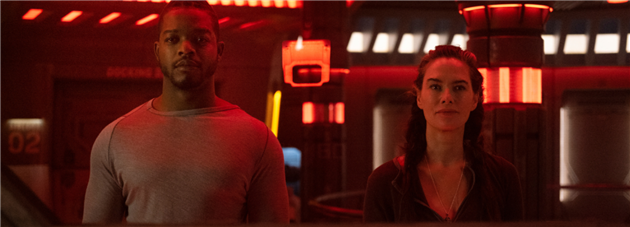
I had high hopes for this Hugh Howey adaptation but they were brutally dashed by leaden dialog and a lackluster story. The most interesting thing about it is that it was made by Boat Rocker Media and man, did they make sure that their boats were not disturbed in any way.
Expats

My advice here would be to just watch the incredible feature length episode 5 and skip the rest of it. It's all nicely made although I was a little surprised at the contemporary setting instead of pre-handover glory days
(All images included with ITHCWY reviews are the property of their respective owners and are used to illustrate reviews only.)
Add your comment...
Related Posts
You Might Also Like
(All Reviews)
(Published to the Fediverse as:
Reviews for March 2024 #reviews #marthawells #bradthor Reviews for March 2024
)